The Ad Library is free, live, and login-optional. Most marketers scroll for 30 seconds and close the tab. Ten techniques below, with screenshots straight from facebook.com/ads/library. If you came here to see one specific brand’s active ads, skip the techniques and type the brand in the box.

1. Navigate from the brand's Facebook Page, not the search bar
The search bar misfires on multi-word brand names and similar Page names. Find the brand’s actual Page on Google or Facebook, then click “See all ads” in the Page transparency section — drops you straight into their listing.
Or grab the Page ID and build the URL: facebook.com/ads/library/?id=PAGE_ID. (BrandMov resolves brand names to the right Page automatically.)
2. Toggle between "Active" and "All" — and know which to use when
Active = what’s running now. All ads = the historical archive — abandoned tests, evergreen winners, seasonal patterns. For creative briefing, “All ads” is the primary mode.
Catch: Meta pulls inactive ads from the Library within days. Capture the moment you find — BrandMov permanently stores creative, copy, and run dates so your swipe file doesn’t decay.
3. Sort by "Oldest" to find their control ads
Default sort is newest-first. Flip it. The oldest still-running ads are the control — the benchmark every new creative is measured against. If it’s been running 9 months, it’s working.
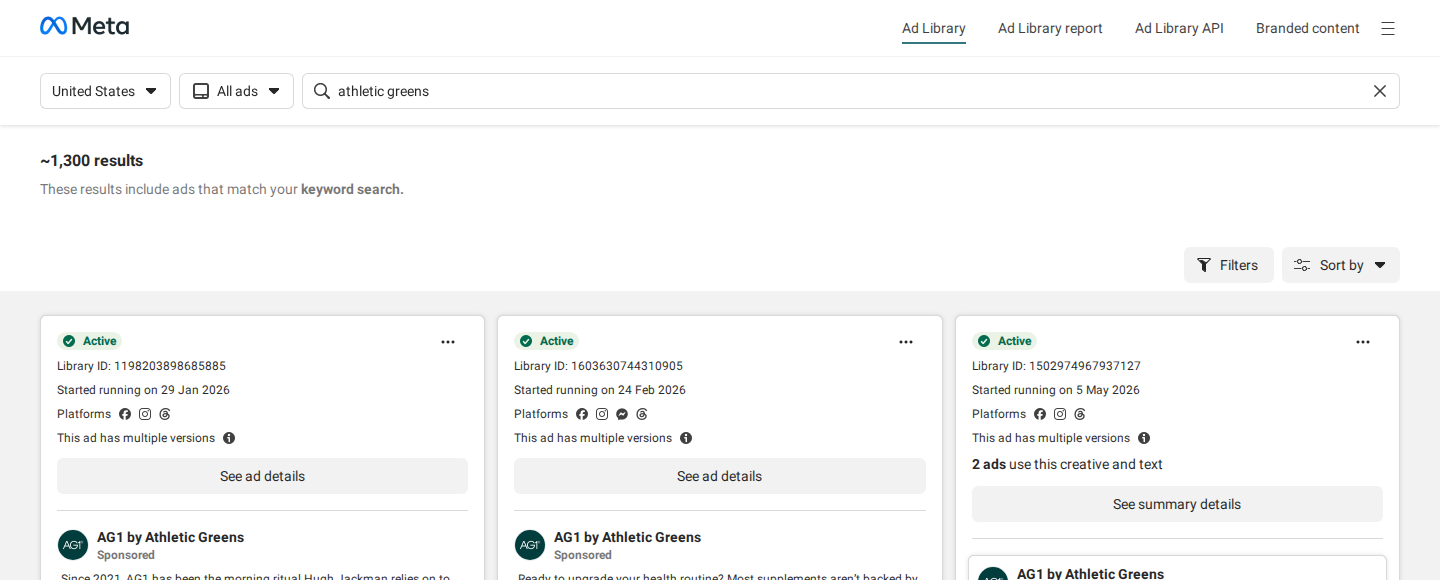
If a competitor has been running the same ad for 9 months, you don’t need to guess whether it’s working. The fact that it’s still running is the data.
— A principle every media buyer learns the hard way
4. Filter by format to decode their creative investment
Filter by Image, Video, Carousel, or Collection. The format mix tells you the strategy:
- Heavy video: prospecting on broad audiences, dedicated creative team.
- Static-dominant: direct response, fast iteration, often retargeting.
- Carousel-heavy: catalogue focus — ecommerce SKU breadth or SaaS feature comparison.
A shift from static to video signals a funnel change or response to creative fatigue. BrandMov auto-tags captured ads by format.
5. Search in different countries to find localized creative variants
Multi-market competitors run different hooks per region, not just translated copy. Set the country to their key markets (US, UK, AU, DE, CA) and compare — angles validated in one market often transfer to yours.
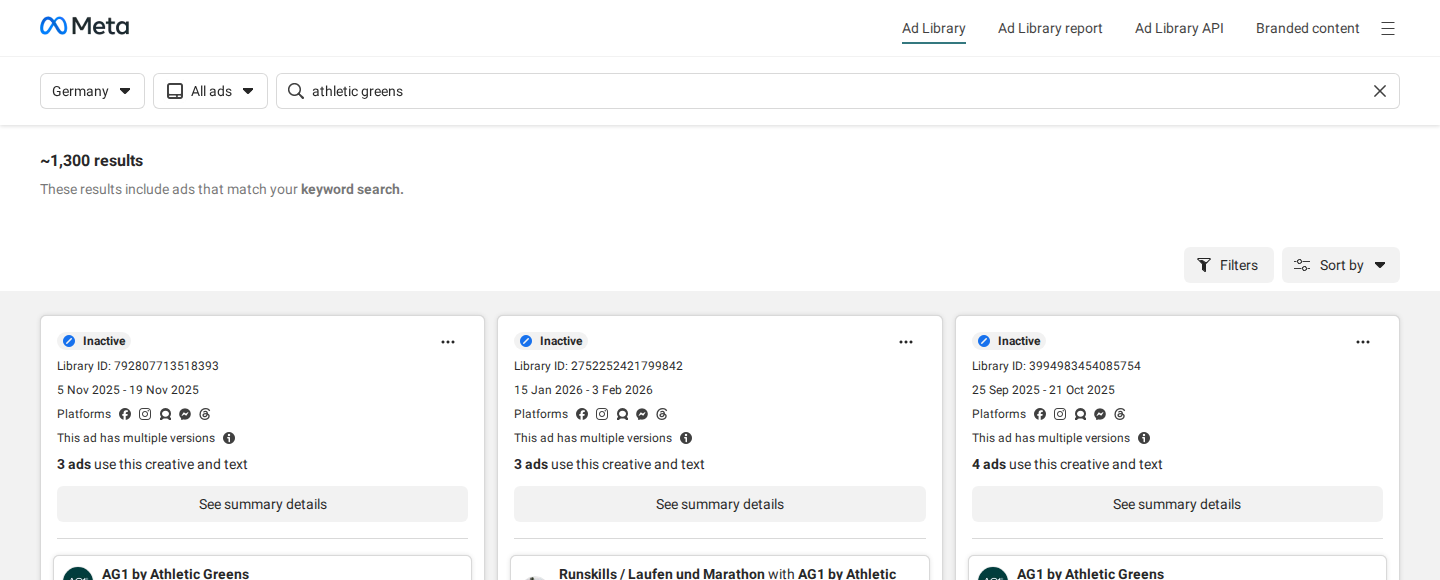
Downside: 5 markets = 5 tabs to keep track of. BrandMov searches across markets in one interface.
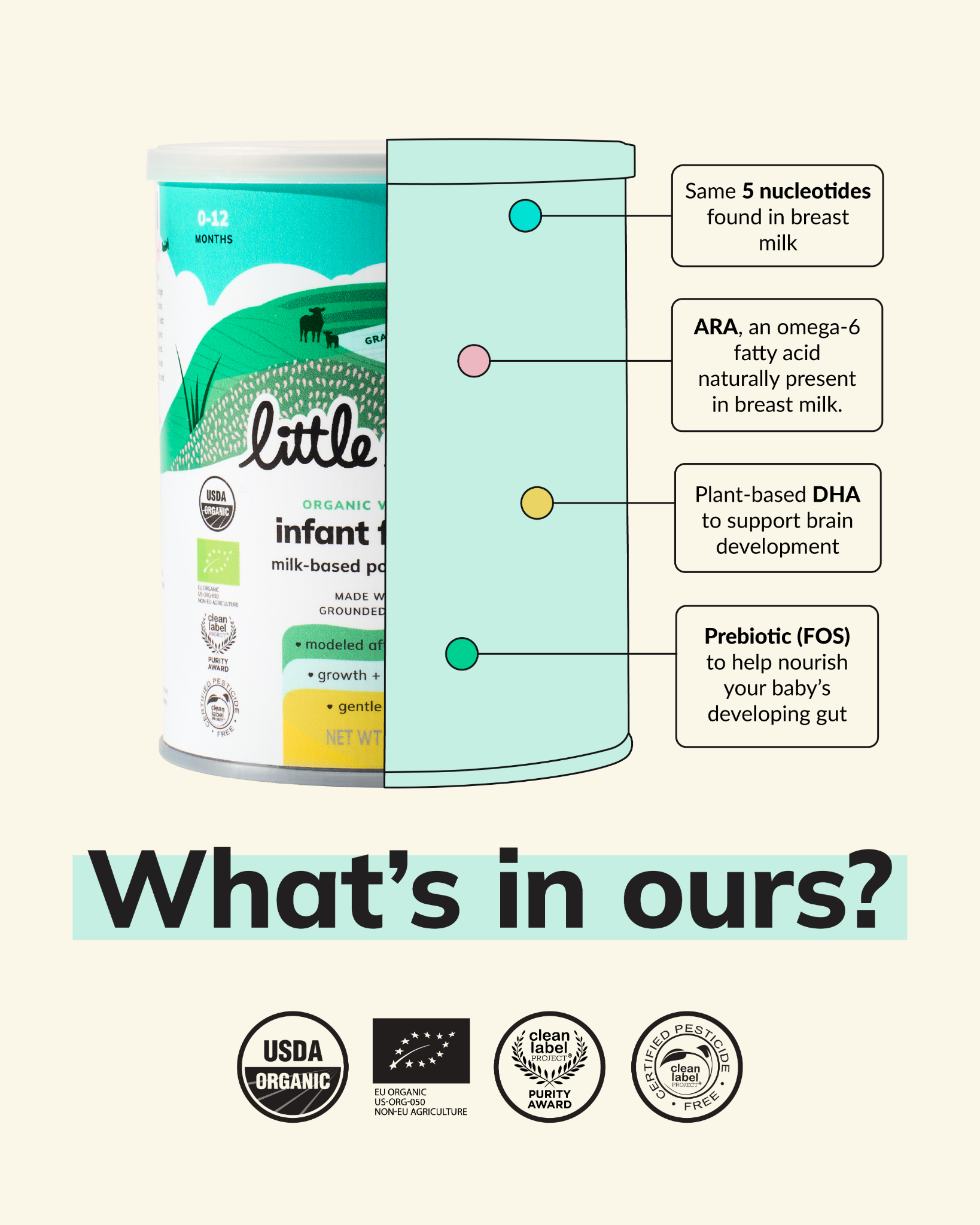
Skip the search — here's what 500 DTC brands are running right now
A small slice of the curated swipe file — every ad here is currently in market, hand-tagged by hook + angle. Open the full feed →





6. Use EU impression data as a spend signal
Under the EU DSA, Meta discloses impression ranges (e.g. “1M–2M”) for any ad served in an EU market. This is the closest thing to spend data the Ad Library offers — high-impression = validated at scale.
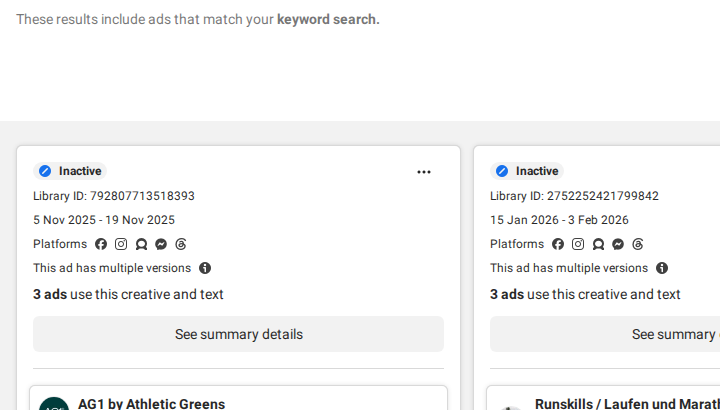
Use it to rank competitor ads even outside the EU. BrandMov stores the impression range as metadata so you can filter by confirmed reach months later.
7. Read the "Started running" date distribution, not just individual ads
Every ad card shows its Library ID and “Started running on” date. Don’t read them one at a time — read the distribution.
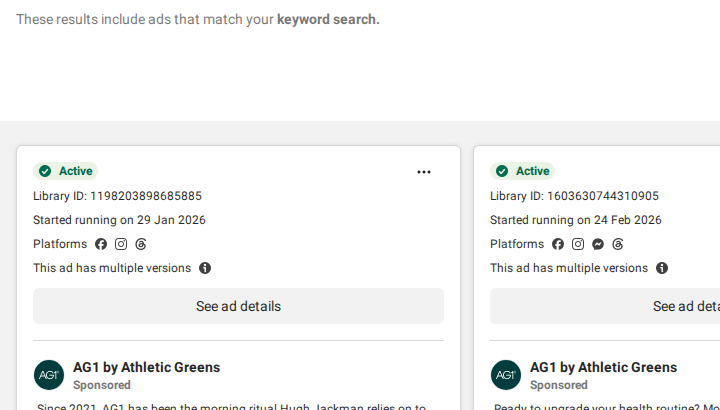
A 2-week cluster = launch or test phase. A solo runner for months = their champion. A sudden spike = advance warning of a launch. BrandMov’s watchlist logs active ad counts over time automatically.
8. Read the CTA and destination URL as a pair
Creative tells you the hook. CTA + destination URL tell you the funnel:
- Shop Now → product page: direct response, warm/retargeting.
- Learn More → advertorial: top-of-funnel, cold audience education.
- Sign Up → trial/lead capture: SaaS or lead-gen.
- Get Offer → limited-time LP: urgency test, short window.
Click through. The landing page headline, proof, and form fields tell you as much as the ad. BrandMov captures the destination URL with the ad so your swipe file is a complete funnel record.
9. Search your own brand name to find competitor conquesting
Search your own brand name as a keyword. Three things show up:
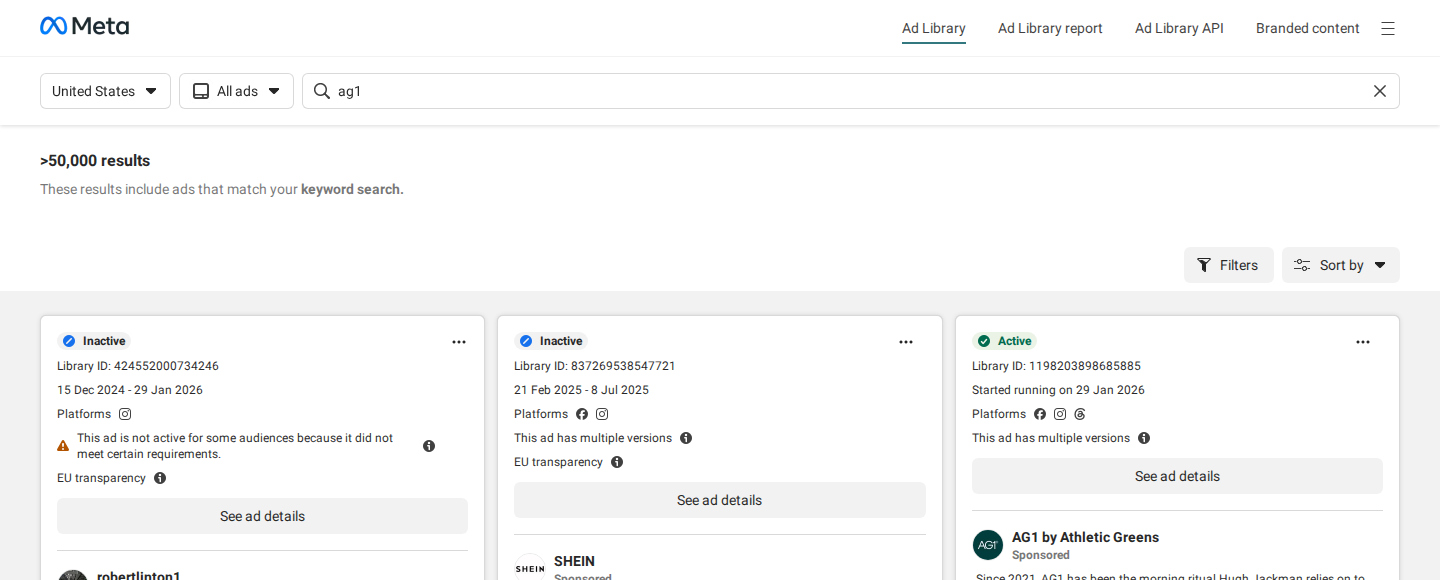
- Direct competitors running “vs [Your Brand]” comparison ads.
- Affiliates buying your brand-name keywords.
- Conquesting campaigns targeting your customers by name.
Conquesting ads can come and go within days. BrandMov’s watchlist monitors your brand name and alerts the moment competing creative appears.
10. Track active ad count over time to map competitor spend cycles
One snapshot tells you today; a series of snapshots tells you their strategy. Log active ad counts weekly to spot:
- Seasonal spend spikes ahead of launches and sale events.
- Test → consolidation cycles (20 ads collapsing to 3 = they found winners).
- Budget cuts (15 active ads dropping to 2 over a month).
Manual logging dies in week 3. BrandMov’s watchlist records active ad counts passively so the trend is already built when you need it.
Track competitor ad activity automatically
BrandMov's watchlist monitors any brand's active ads and alerts you the moment they launch new creative — no manual checking required.
Try it freeNo credit card required.
The Ad Library gives you the raw data. The system you build around it determines whether that data becomes a competitive advantage or just tabs you meant to read later.
— BrandMov
Build your competitor ad library automatically
BrandMov monitors your competitors' ads and alerts you when they launch new creative — so you never miss a campaign. Capture, organize, and brief from one place.
Start FreeNo credit card required.
One last thing.
7-day free trial, no card. Track up to 5 brands and get an email the day they launch a new ad. Browse the live feed →