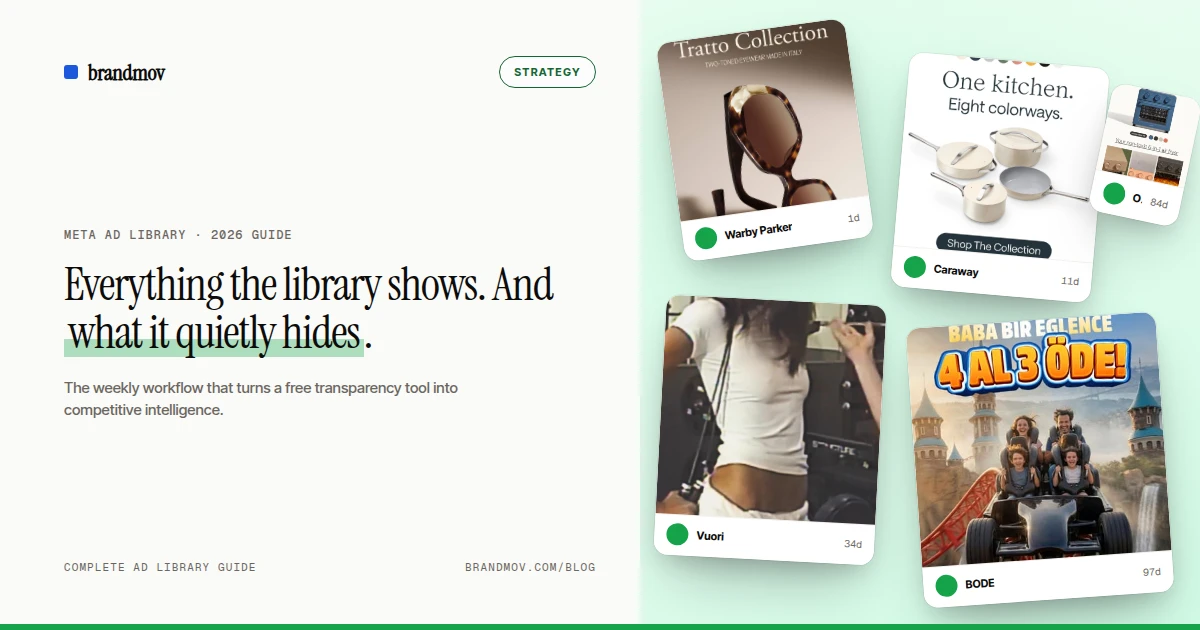
The Meta Ad Library (facebook.com/ads/library) is the single most underused free tool in performance marketing. Every ad currently running on Facebook, Instagram, Messenger, and the Audience Network is in there — every competitor’s creative, copy, and launch date, browsable without an account. This guide covers the whole surface: what’s in it, what Meta leaves out, and the workflow that separates people who “check it sometimes” from people who brief winning creative off it.
What 500 DTC brands actually shipped this week
Live snapshot from our Meta Ad Library tracker — refreshed weekly. Want this in your inbox every Friday? Drop your email below.
- 1Salt & Stonewellness851 new
- 2Diptyque Parisfragrance560 new
- 3Stonk Agencylocal128 new
- 4Brez Marketinglocal82 new
- 5Relentless Digitallocal73 new

What the Meta Ad Library actually is
Meta launched the Ad Library in 2018 as a transparency measure after the political-advertising scandals of 2016–17. The political archive was the point; the commercial archive was the side effect — and the side effect is what matters to marketers. Because transparency has to cover everything, every active ad from every advertiser is publicly listed: your competitors’ full creative output, timestamped, at zero cost.
You can search it two ways: by advertiser (a brand’s Facebook Page) or by keyword across ad copy. No login is required for browsing, and it covers every country Meta serves ads in.
What you can see
Each ad card in the Library gives you:
- The full creative — image, video, or carousel, exactly as served.
- Primary text, headline, and CTA — the complete copy stack.
- “Started running on” date — the launch timestamp, the most underrated data point on the card.
- Platforms — Facebook, Instagram, Messenger, Audience Network placement flags.
- Library ID — a permanent identifier you can link to or cite.
- Variant count — “This ad has multiple versions” reveals how heavily a concept is being tested.
Two regional bonuses: in the EU, Digital Services Act rules force Meta to show audience-targeting summaries and reach estimates on every ad. For political and issue ads (kept for seven years), you also get spend ranges and demographic breakdowns.
What it hides
The Library is a transparency tool, not an analytics tool. For commercial ads it will never show you:
- Performance. No CTR, no engagement, no conversions. Everything looks equally successful.
- Spend. A $50/day test and a $50,000/day scaled winner look identical.
- History. When a non-political ad stops running, it disappears. There is no archive of last quarter’s creative — the median DTC ad is gone within three weeks of launch.
- Sorting or analysis. No sort by longevity on keyword views, no hook/angle grouping, no portfolio stats, no change alerts.
The Library shows you everything your competitor is running and tells you nothing about what’s working. The signal is there — you just have to infer it from run-time.
— The core problem every Ad Library workflow has to solve
This gap is exactly why we built BrandMov. Our editorial team runs the Library through a daily filter — every ad from 3,500+ tracked brands captured before it vanishes, hand-tagged by hook and angle, sortable by how long it’s survived. Browse the result in the live swipe file.
How to search it properly
The five techniques that cover 90% of research sessions:
- Enter through the brand’s Page, not the search bar. The search bar misfires on multi-word names. Open the brand’s Facebook Page → Page transparency → “See all ads.” Or build the URL directly:
facebook.com/ads/library/?id=PAGE_ID. - Toggle “Active” vs “All ads.” Active is what runs now; All adds recently-stopped tests. For briefing, check both — the deltas are the abandoned experiments.
- Sort by oldest. The oldest still-running ad is the control every new creative gets measured against. Nine months live = it prints.
- Keyword-search in quotes. Exact-phrase search across ad copy (“free shipping”, “clinically proven”) surfaces every advertiser leaning on a claim — instant angle-density check for your category.
- Switch countries. The country dropdown re-scopes results; brands often test creative in secondary markets before scaling it home.
The full technique list — page-ID dorks, date-window filters, variant archaeology — is in our 10 Facebook Ad Library search tips guide.
The Ad Library API (and its catch)
Meta offers an official Ad Library API, but it’s built for the transparency use case: access requires identity verification, and the queryable archive is essentially political/issue ads plus EU-regulated data. Commercial competitor research — “give me every ad this DTC brand launched this month” — is not what it serves. That’s why every serious ad-intelligence workflow ends up either manually snapshotting the web UI or using a tool that does the capture continuously.
Turning it into a workflow
A one-off browse produces inspiration; a repeated loop produces intelligence. The minimum viable workflow:
- Pick 5–10 competitors whose media buying you respect — not just category rivals.
- Snapshot weekly. New launches, kills, and copy edits between visits are the signal. An ad that survives every visit is a winner; a concept that launched 12 variants on Monday is this quarter’s big bet.
- Log run-times. Started-running dates → days alive. Across our 98,011-ad dataset, only 0.7% of DTC ads survive a full year — those are the ads worth deconstructing, and run-time is the only public metric that finds them.
Doing this by hand across ten brands takes an hour a week and a spreadsheet. BrandMov’s watchlists do the same loop automatically — daily capture, per-brand diffs, email alerts when a tracked brand ships new creative.
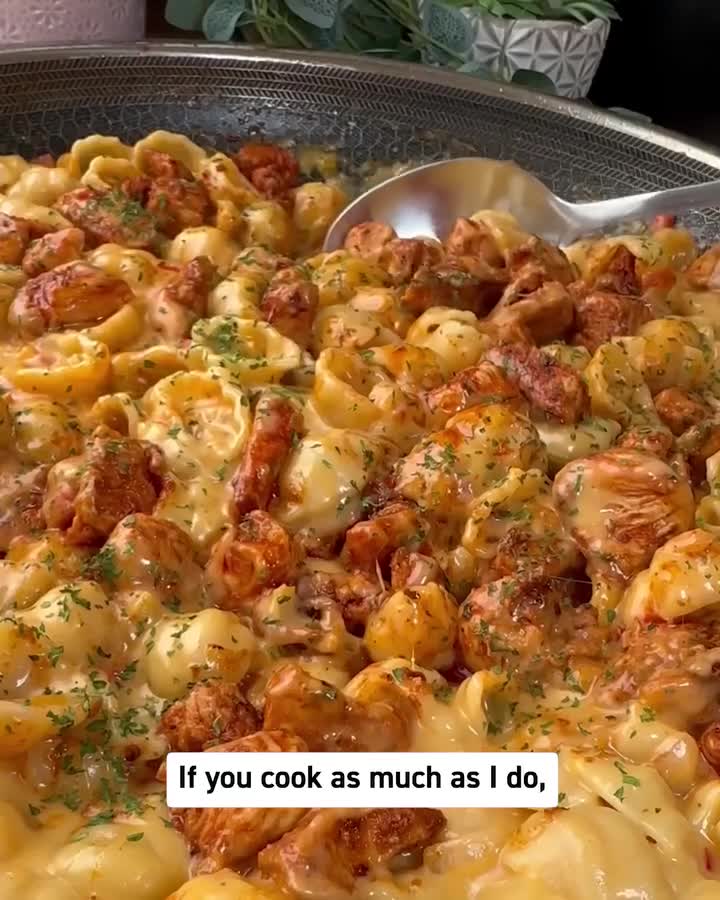
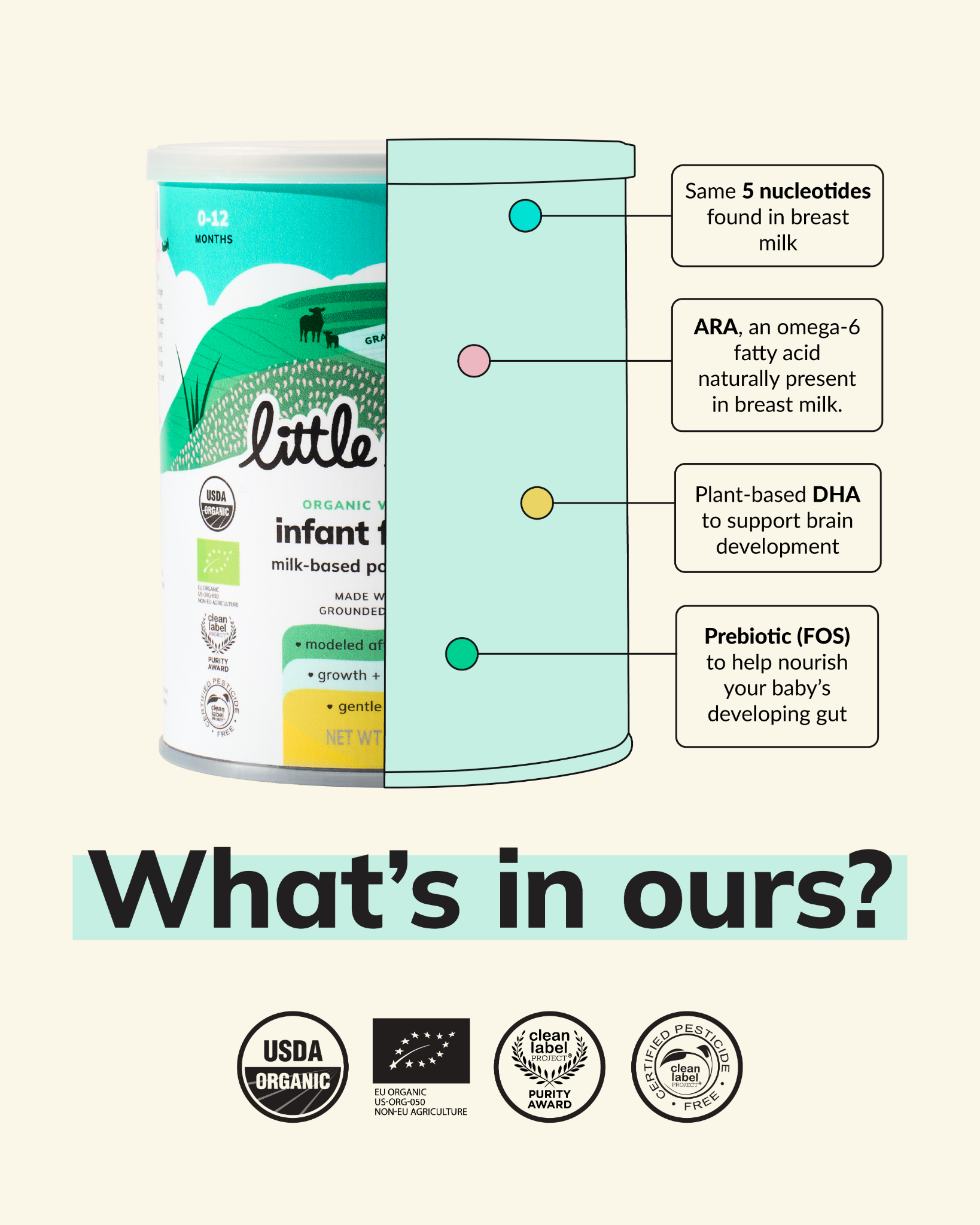
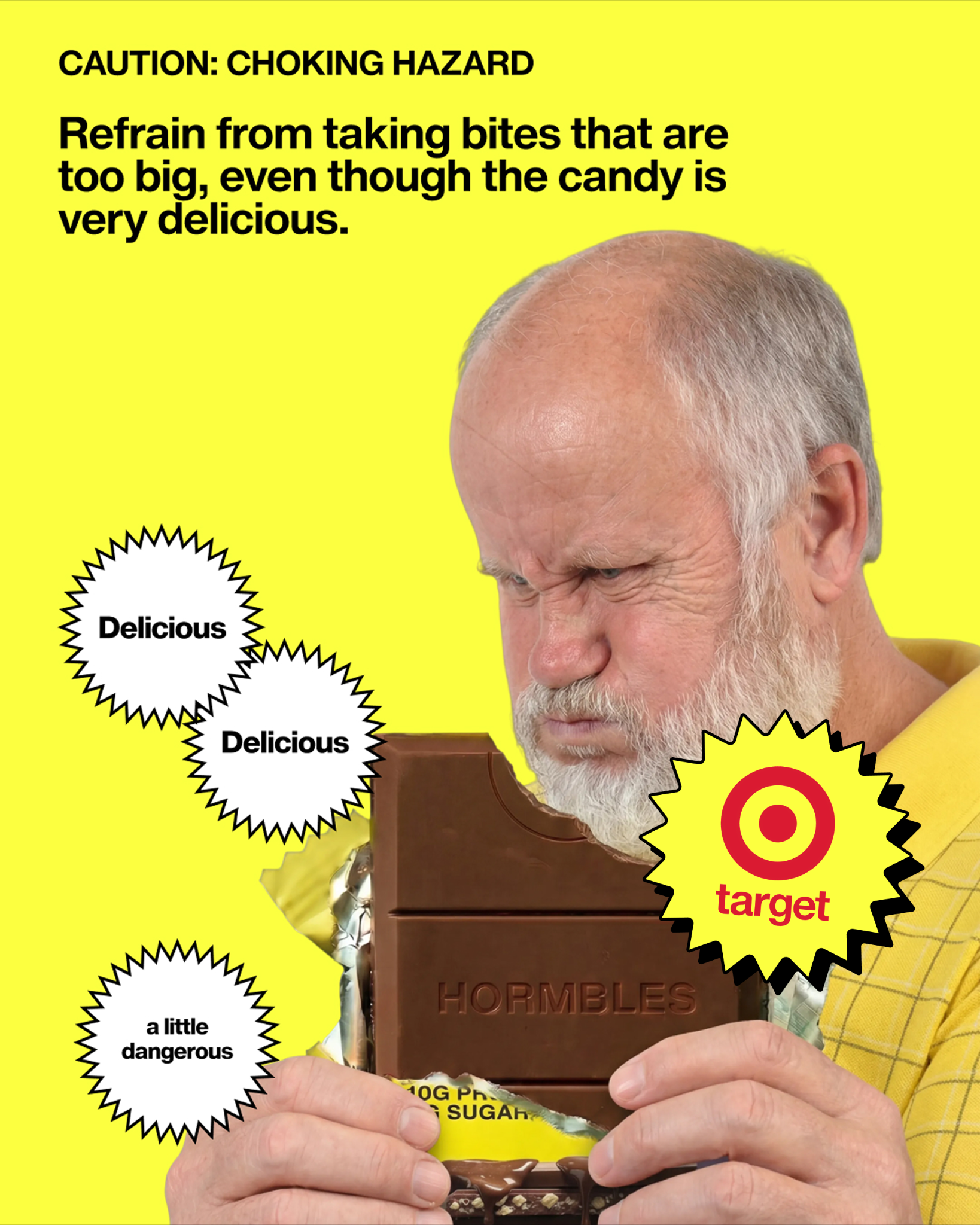
What the Library looks like after our editorial filter
A small slice of the curated swipe file — every ad here is currently in market, hand-tagged by hook + angle. Open the full feed →



Frequently asked questions
Is the Meta Ad Library free?
Yes — fully free, no account needed to browse. It covers Facebook, Instagram, Messenger, and Audience Network ads in every country Meta operates.
Can I see how much a competitor spends?
Not for commercial ads. Spend ranges are only disclosed for political and issue ads. For everything else, run-time and variant count are the closest public proxies for budget confidence.
Can I see a brand’s old ads?
No. Non-political ads leave the Library when they stop running. If you want history, you have to capture ads while they’re live — that decay is the main reason ad-intelligence tools exist.
Does the Library show ad targeting?
Only in the EU, where the Digital Services Act requires audience and reach disclosures. Elsewhere, targeting is not shown for commercial ads.
What’s the difference between the Facebook Ad Library and the Meta Ad Library?
Same tool. It launched as the Facebook Ad Library in 2018 and was renamed with the company; both names point to facebook.com/ads/library.
Browse the Library, pre-filtered
3,500+ brands’ live Meta ads captured daily before they vanish, hand-tagged by hook and angle, sortable by run-time. The workflow in this guide, already running.
Open the swipe file